
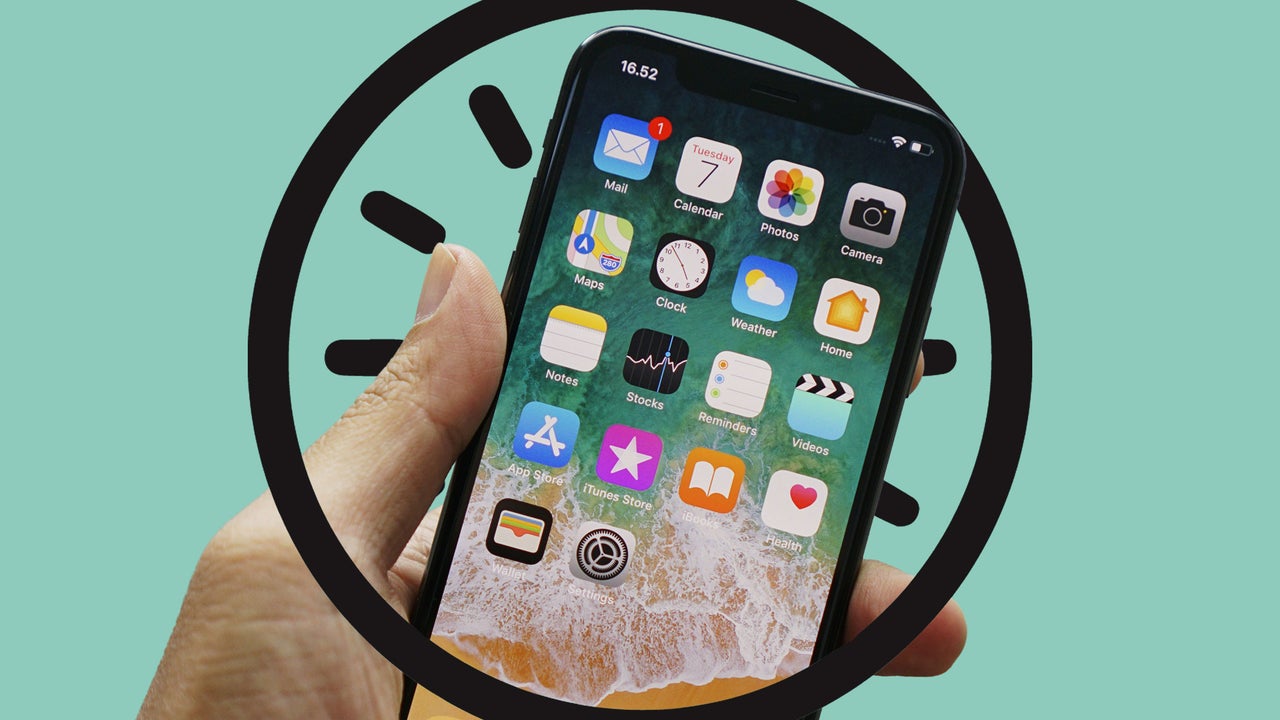
There are more than 1.5 billion iPhone users worldwide, according to DemandSage’s February 2026 data. Every iPhone comes with Apple’s default Clock app preinstalled. This is the app that hundreds of millions of people around the planet rely on each day to make sure they get up for work on time, know what hour it is in a different country, or take a meal out of the oven before it burns.
Despite being such a crucial app, though, Clock—like Apple’s Messages app—is a frustrating experience. Compared to many third-party and Android clock apps, Apple’s Clock lacks extremely basic features that, if added, would lead to big improvements in usability. So it’s time to call Apple out on these still-missing features in an app that has been around since (*checks clock*) 2007.
You can’t set an alarm for a specific date in the future
One of the most significant drawbacks of the Clock app is that the Alarms feature doesn’t allow you to set an alarm for a specified date. You can set alarms for days of the week, Sunday through Saturday, but not an alarm for a calendar date, such as August 10.
This drawback is particularly painful for business travelers or anyone with an early-morning flight in the future. If the Clock app’s standard Alarms feature is set to wake you up at 7 a.m. every day, but that flight on September 14 is scheduled for 6 a.m., you currently need to remember to adjust your alarm the night before your flight, or you’re out of luck.
Adding calendar date alarm scheduling to the Clock app is so basic it’s a no-brainer, so why hasn’t Apple done it?
There’s no way to dismiss redundancy alarms
Speaking of the Clock app’s alarm functionality, it’s lacking in another important area: There’s no way to skip an upcoming “redundancy” alarm. These are the alarms people set for 10 or 15 minutes after their first Wake Up alarm of the day. Say you set your Wake Up alarm for 9 a.m, and have a follow-up alarm set for 9:30. Come 9:30 a.m., that scheduled redundancy alarm will go off as planned—even if you’re already up for the day—interrupting conversations, conference calls, or your time in the shower.
Right now, the only way to dismiss a redundancy alarm you’re already awake to receive is to open the Clock app, tap Alarms, and manually toggle the scheduled alarm off. The problem with this is you need to remember to toggle the alarm back on if you want the same redundancy alarm to go off tomorrow.
Apple should add a basic control to the alarm widget on the iPhone’s lock screen that lets you tap to dismiss the upcoming redundancy alarm until the same time tomorrow if you’re already up for the day.
World Clock cities are limited
The main feature most people use in the Clock app is the Alarms function. But for business travelers and those managing global workforces or clients, the Clock app’s World Clock feature can be indispensable. World Clock lets you see the time in other places around the globe. This knowledge is indispensable.
If you have an employee or customer in, say, Tokyo, and you’re based in New York City, glancing at the World Clock feature in the Clock app can quickly tell you whether it’s an appropriate time to call, text, or email them, or whether they are already likely out of the office for the day.
Unfortunately, the World Clock feature in the Clock app doesn’t let you enter any city; it only lets you select from an arbitrary list of major cities. This leaves you to guess which of the cities on World Clock’s list is closest to the city you want to track. So, if your client is in Bunbury, Australia, you’d better know that it’s close to Perth, because the World Clock feature in the Clock app doesn’t list Bunbury as an option.
It would be easy for Apple to add support for all cities, so I’m not sure why the company hasn’t done so.
World Clock and Alarms don’t sync across your devices
This is perhaps the most unforgivable sin of the Clock app. Your alarms and selected World Clock cities don’t sync across iCloud to all your Apple devices. The Clock app exists on the iPad and Mac, so the fact that you have to save your World Clock cities and alarms all over again on those machines is both frustrating and baffling. Even the company’s Weather app syncs its selected cities across Apple’s devices.
Maybe the logic was you don’t want your iPhone Wake Up alarm going off on your iPad in the living room. But that’s just a basic settings issue Apple could overcome by letting users choose whether they want their alarms to go off on all devices or just a preferred one. As with the selected cities in World Clock, there is no good reason that list shouldn’t sync among devices.
There’s no digital clockface icon option
This is a quibble, but it’s worth mentioning. The Clock app’s icon is the only iPhone app icon that changes in real time—it’s an analog clockface with moving hour, minute, and second hands. I think it’s a cool touch, but given how small iPhone icons already are, it can be hard to read if you are farsighted (or if you don’t know how). It would be nice if Apple gave users the option to change the icon to a real-time digital clockface.
The Clock app is 19 years old and is one of the few iPhone apps I use daily. I couldn’t imagine life without it. But I know how much more functional it could be, and I hope Apple does, too. The clock’s ticking.