Close Menu
    Facebook X (Twitter) Instagram
    TRENDING :
    • How to Make Money on Social Media Without a Huge Following
    • 28-Year-Old’s Side Hustle Hit $125K in Year 1: More Than Matcha
    • How to Speak Honestly at Work Without Derailing Your Career
    • Silicon Valley Doesn’t Have a Monopoly on Startup Wisdom
    • The EU Will Block Peace Between Russia & Ukraine
    • Laid-Off Marketer’s Apartment-Made Pizzas Sell Out in 30 Seconds
    • 4 Questions That Separate Real Founders From Performers
    • $14 Billion Company Is Giving 7,000 Employees a Day Off to Game
    Compatriot Chronicle
    • Home
    • US Politics
    • World Politics
    • Economy
    • Business
    • Headline News
    Compatriot Chronicle
    Home»Business»Google’s search overhaul has social media users baiting the ‘AI Overview’ to prove a point
    Business

    Google’s search overhaul has social media users baiting the ‘AI Overview’ to prove a point

    May 27, 20264 Mins Read
    Share Facebook Twitter Pinterest LinkedIn Tumblr Telegram Email Copy Link
    Follow Us
    Google News Flipboard
    Share
    Facebook Twitter LinkedIn Pinterest Email

    It’s been just over a week since Google announced a controversial overhaul of its search engine.

    Rather than answering queries with a list of links, Google Search’s AI Mode now drops users into an interactive AI-powered search box, an expansion to the AI overview features that have been part of Google Search since 2024. From there, users are able to ask follow-up questions within that AI search box, negating the need to access any websites beyond Google Search itself.

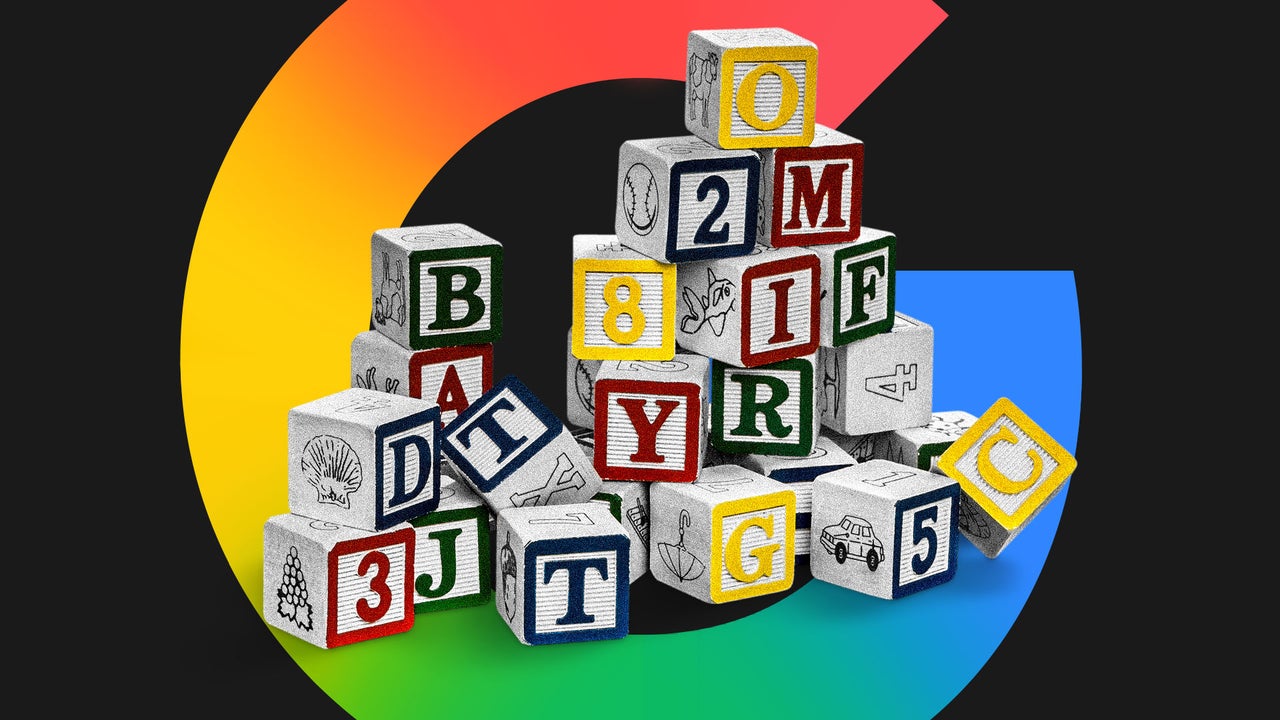
    The news broke the internet as social media lamented that Google was, well, breaking the internet. Users pointed out that Google’s AI overviews are still rife with errors, and argued that expanding the search engine’s AI integration might only exacerbate those problems. To prove their point, social media is subjecting Google’s AI to an internet-wide spelling bee—one that it’s failing spectacularly.

    Breaking the spell

    For some reason, Google’s AI can’t seem to keep track of even basic spelling. Take one viral post where a user asked Google how many letter L’s are in the word “Google.” The AI replied that there are two L’s, then respelled (and misspelled) the word to show where: “Goolle.”

    https://t.co/DY3gbPrqAl pic.twitter.com/1xb2whhnaV

    — Morchel (@morchel) May 26, 2026

    Those letter-based hallucinations are a dime a dozen, from “kangaroo” spelled with three P’s to “magnificently” spelled with two O’s.

    One user repeated the experiment over and over, getting Google to find imaginary E’s in “astronomical,” O’s in “heuristic,” and a G in “pneumatic.” 

    “Just pick any word with 4 or more syllables,” the user said, and watch the AI falter. “Seriously. You can just keep going and going.”

    Another user replied that “you don’t even have to worry about the number of syllables. When I just choose random words off the top of my head, it gets it wrong about 2/3 of the time.” Their evidence included “town” spelled with an H, “sing” spelled with an R, and “bottle” spelled with a K.

    Beyond spelling errors, users called out plenty of other glitches that make them wary of fully AI-powered search results. Those included answers that mixed up “prostrate” and “prostate,” senselessly repeated a single word, and devolved into an endless string of numbers.

    Google’s response

    Amid the online outcry, Google is forging ahead with its new AI features, including assuring users that its more traditional search engine model will still be available.

    A Google spokesperson told Fast Company that blue links will continue to show in search results and that AI Mode is not the default for Google Search. Though AI Mode will be easily accessible, they said, it will be just as easy for users to navigate back to the search results page.

    Those comments expand on the statement a Google spokesperson made in response to the TechCrunch article that first sent the internet into a frenzy.

    “We’re continuing to display blue links on the search results page in addition to AI responses,” they said. “If someone chooses to ask a follow-up from an AI Overview, or selects the AI Mode button in the Search box, then that takes them to AI Mode. It doesn’t happen automatically—people have to choose to navigate to AI Mode.”

    But social media is still concerned about the new features’ implementation, particularly how Google Search now directs users toward AI Mode even if it’s not the default search setting. “They softened the rollout so publishers don’t riot,” one user wrote, “yet the default path still funnels you into the machine.”

    Google says the spelling errors, meanwhile, are unrelated to the new search updates.

    “Generative AI can make mistakes with spelling, and this is an area where we’re working on making improvements,” a Google spokesperson said. “AI Overviews are accurate for the overwhelming majority of queries we see in Search, and we’re continually investing in updates that further improve the quality of the experience.”


    Source link

    Share. Facebook Twitter Pinterest LinkedIn Tumblr Email

    Related Posts

    How to Make Money on Social Media Without a Huge Following

    November 12, 2026

    28-Year-Old’s Side Hustle Hit $125K in Year 1: More Than Matcha

    November 12, 2026

    How to Speak Honestly at Work Without Derailing Your Career

    November 12, 2026
    Top News

    Exclusive Founderland Fest Puts Founders Front and Center

    By Staff WriterOctober 8, 2026

    Key Takeaways Founderland is designed by founders for founders, as a smaller, curated alternative to…

    Self-Sponsoring Your U.S. Visa? Avoid These 3 Common Mistakes

    October 15, 2026

    What Are 5 Key Methods for Conflict Resolution?

    March 29, 2026

    Why Gen X is uniquely suited to handle bad retirement prospects

    October 4, 2025
    Top Trending

    How to Make Money on Social Media Without a Huge Following

    By Staff WriterNovember 12, 2026

    Key Takeaways Follower count is a vanity metric. Trust and engagement are…

    28-Year-Old’s Side Hustle Hit $125K in Year 1: More Than Matcha

    By Staff WriterNovember 12, 2026

    Key Takeaways Goldwasser leveraged her marketing and consulting experience to build More…

    How to Speak Honestly at Work Without Derailing Your Career

    By Staff WriterNovember 12, 2026

    Key Takeaways There’s such a thing as being too honest in the…

    Categories
    • Business
    • Economy
    • Headline News
    • Top News
    • US Politics
    • World Politics
    About us

    The Populist Bulletin serves as a beacon for the populist movement, which champions the interests of ordinary citizens over the agendas of the powerful and entrenched elitists. Rooted in the belief that the voices of everyday workers, families, and communities are often drowned out by powerful people and institutions, it delivers straightforward, unfiltered, compelling, relatable stories that resonate with the values of the American public.

    The Populist Bulletin was founded with a fervent commitment to inform, inspire, empower and spark meaningful conversations about the economy, business, politics, inequality, government accountability and overreach, globalization, and the preservation of American cultural heritage.

    The site offers a dynamic mix of investigative journalism, opinion editorials, and viral content that amplify populist sentiments and deliver stories that echo the concerns of everyday Americans while boldly challenging mainstream narratives that serve the privileged few.

    Top Picks

    How to Make Money on Social Media Without a Huge Following

    November 12, 2026

    28-Year-Old’s Side Hustle Hit $125K in Year 1: More Than Matcha

    November 12, 2026

    How to Speak Honestly at Work Without Derailing Your Career

    November 12, 2026
    Categories
    • Business
    • Economy
    • Headline News
    • Top News
    • US Politics
    • World Politics
    Copyright © 2025 Populist Bulletin. All Rights Reserved.

    Type above and press Enter to search. Press Esc to cancel.